01 / 07
Overview
One scan, one total, and a quick look at system health.
- Smart Scan across Developer, Cleanup, Applications and Performance
- Cancel any time
- Nothing is deleted until you press Clean
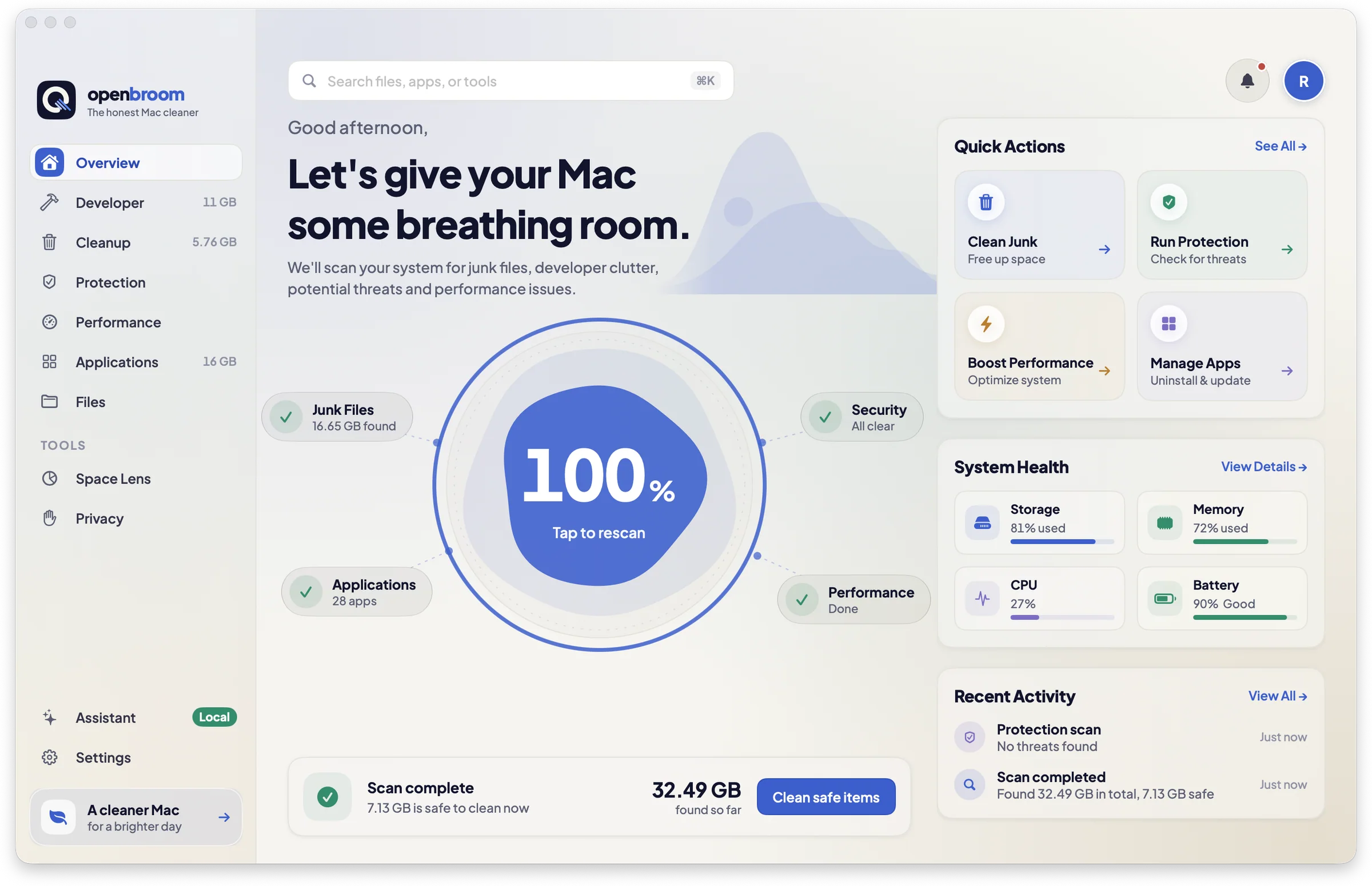
OpenBroom finds what is eating your disk (node_modules, Xcode, Docker, caches), explains each thing in plain words, and removes only what you pick.
Free and open sourcemacOS 14 or laterNo account
This runs in your browser on a made-up Mac, so nothing real is touched. Watch the disk bar fill, tick items, read why each got its label, then clean.

OpenBroom only looks. Nothing is removed until you press Clean.
Xcode, Docker and node_modules leave a lot behind. OpenBroom knows where each tool keeps it, and how it comes back.
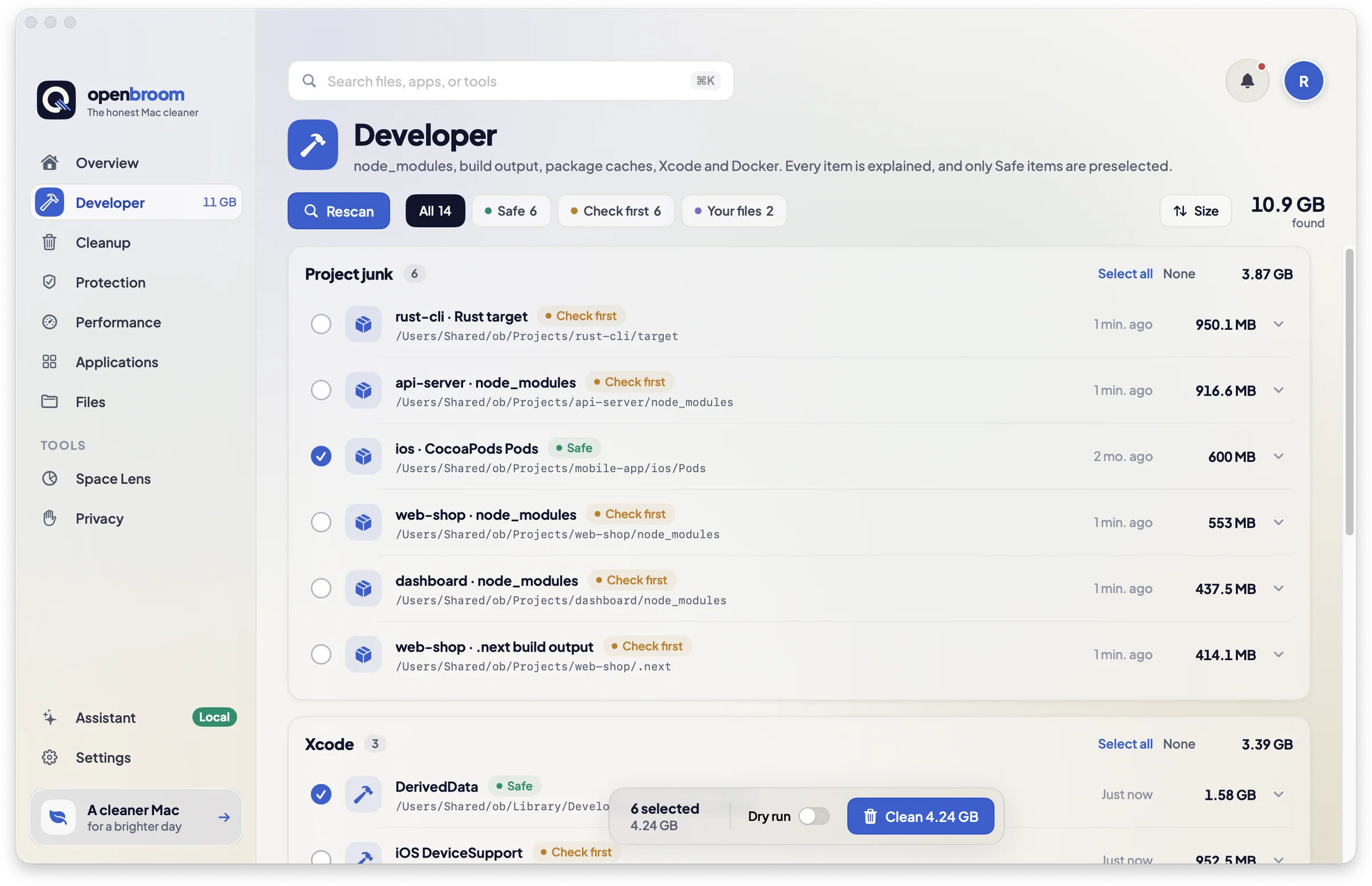
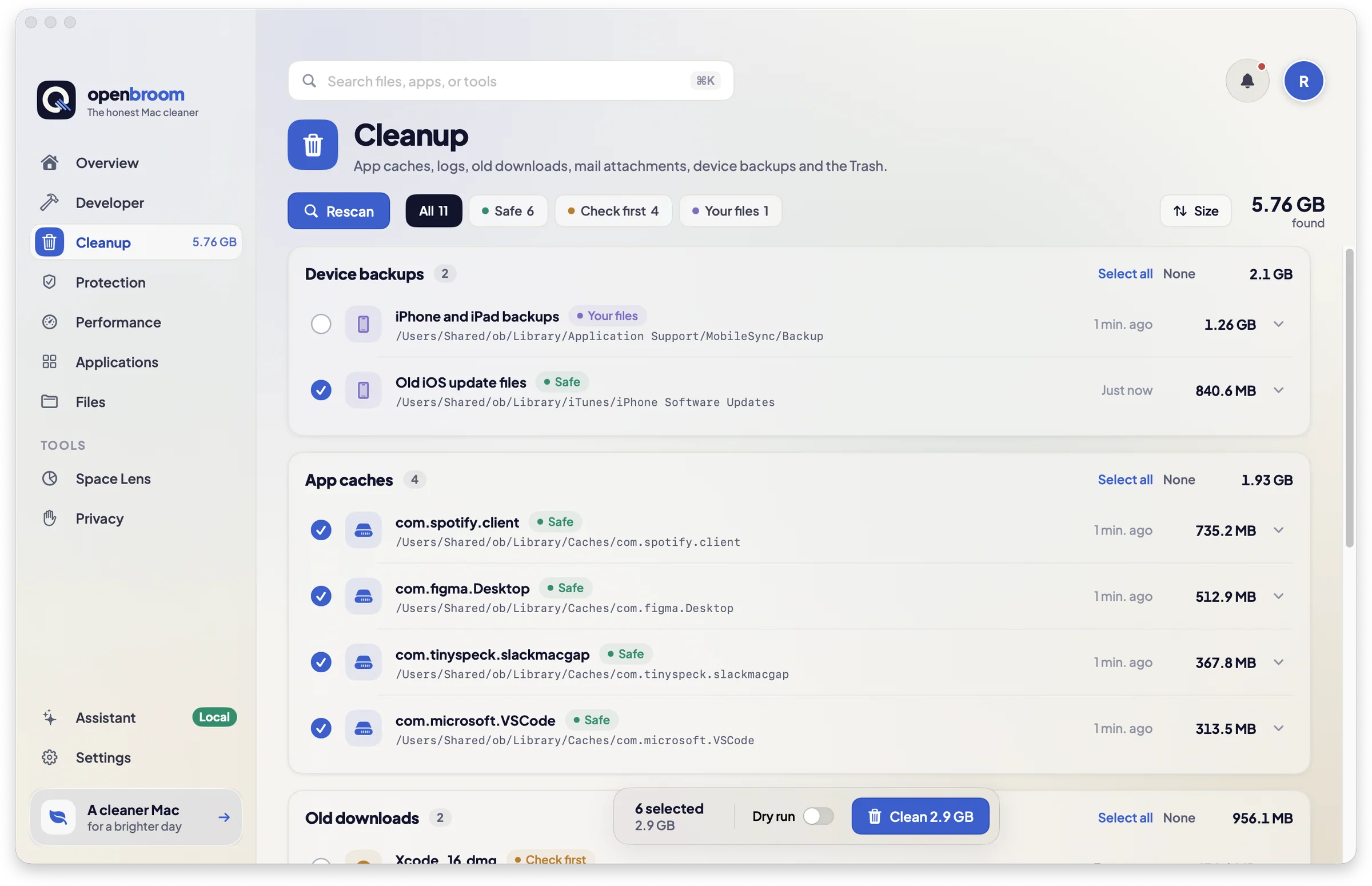
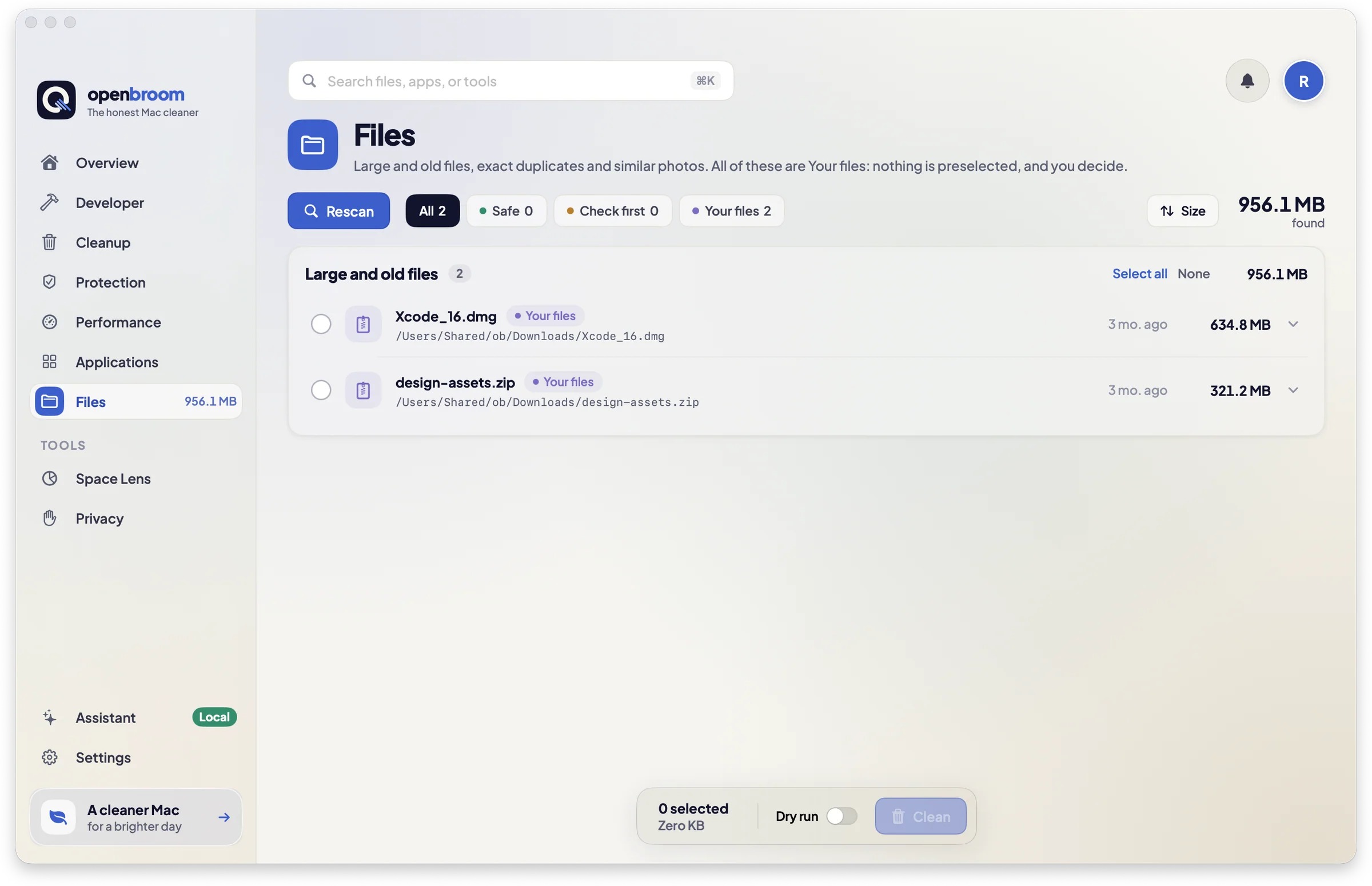
Pick a stack to see what OpenBroom looks for, and the command that brings it back.
node_modules.next.nuxtdistnpm cachepnpm storeYarn cachePer project, with last-worked date and git status. Projects with uncommitted changes are skipped.
Each one says what it is, whether it is safe to remove, and whether it comes back. Sort six everyday things and see if you agree.
Build products from every project you have opened in Xcode.
Where does OpenBroom put it?
Pick the label you think it gets.
Nothing is removed until you press Clean. Dry-run mode and an exportable report show exactly what would happen first.
Files move to the Trash so you can put them back. If something cannot be trashed, the tool’s own command is named before it runs.
No account and no analytics. Symlinks are never followed, and system, Photos, iCloud Drive, Mail and Time Machine paths are refused in code.
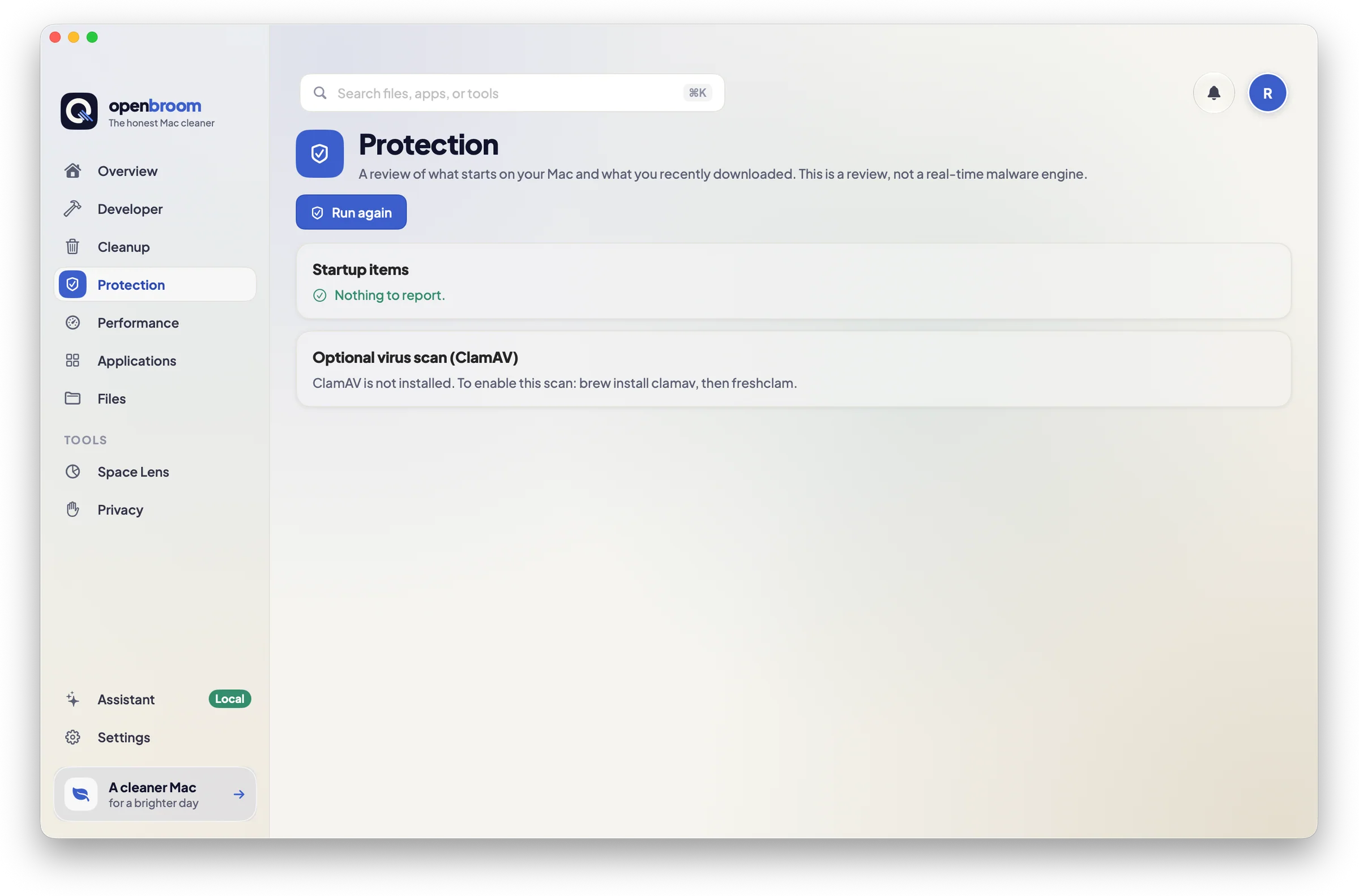
It plays through on its own. Click a step to jump to it.
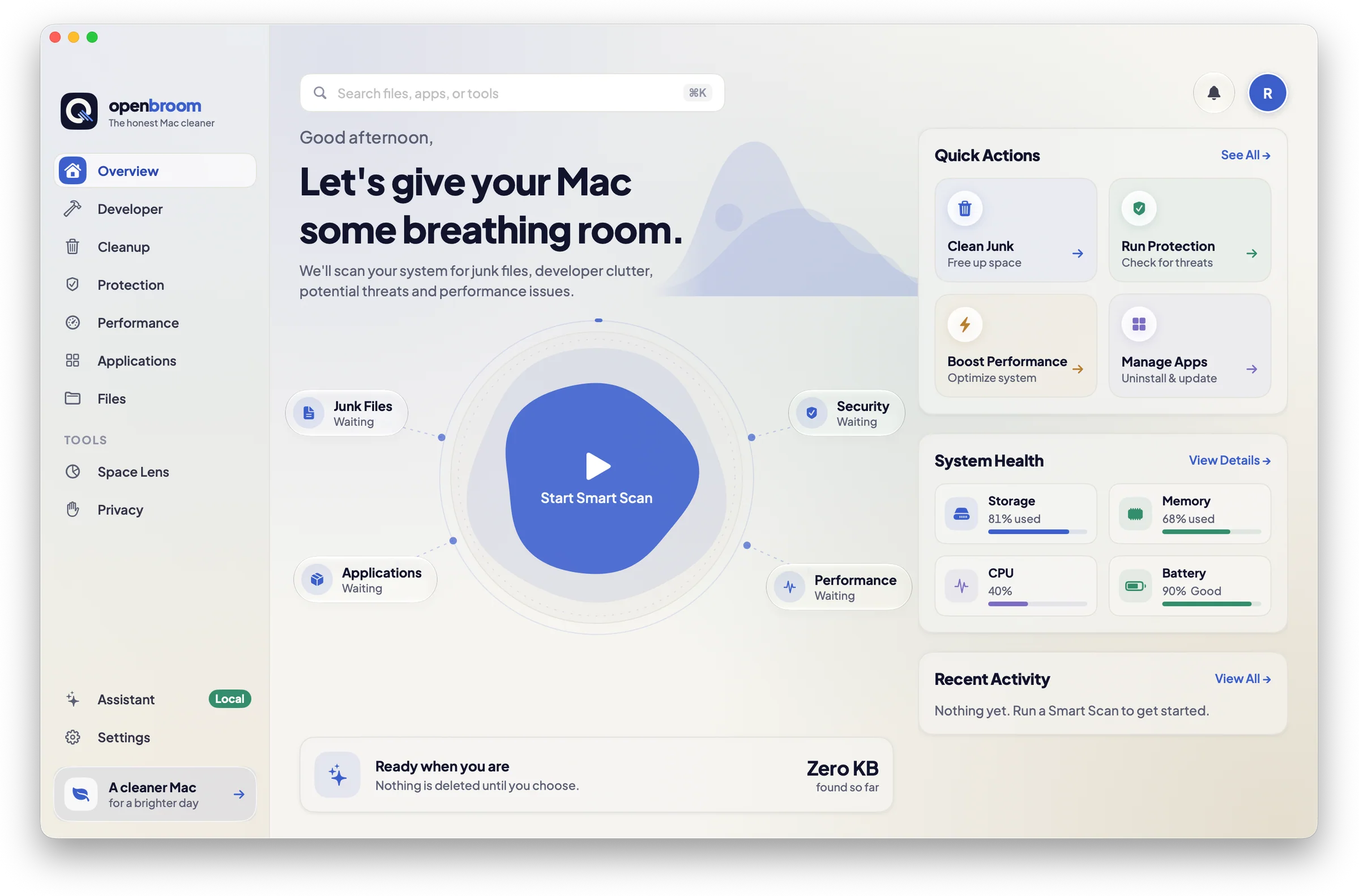
Native, quick and quiet. Keep scrolling and each screen slides over the last.
One scan, one total, and a quick look at system health.
Junk with context: which project, how old, and how it comes back.
App caches, logs, old downloads, device backups and the Trash.
Large and old files that are yours to decide on.
A review of what starts on your Mac and what you downloaded.
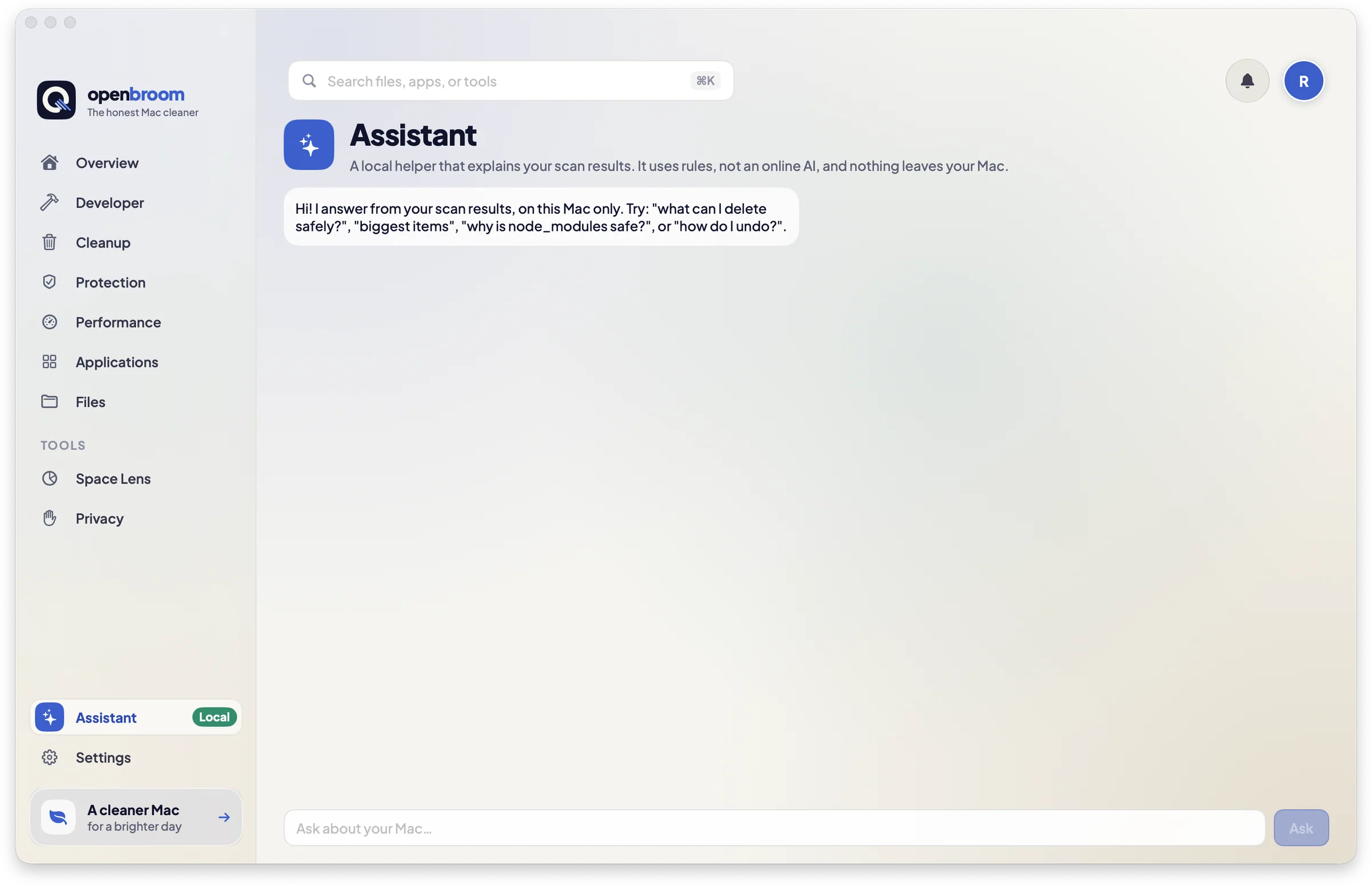
Ask what is safe to remove and get an answer from your own scan.
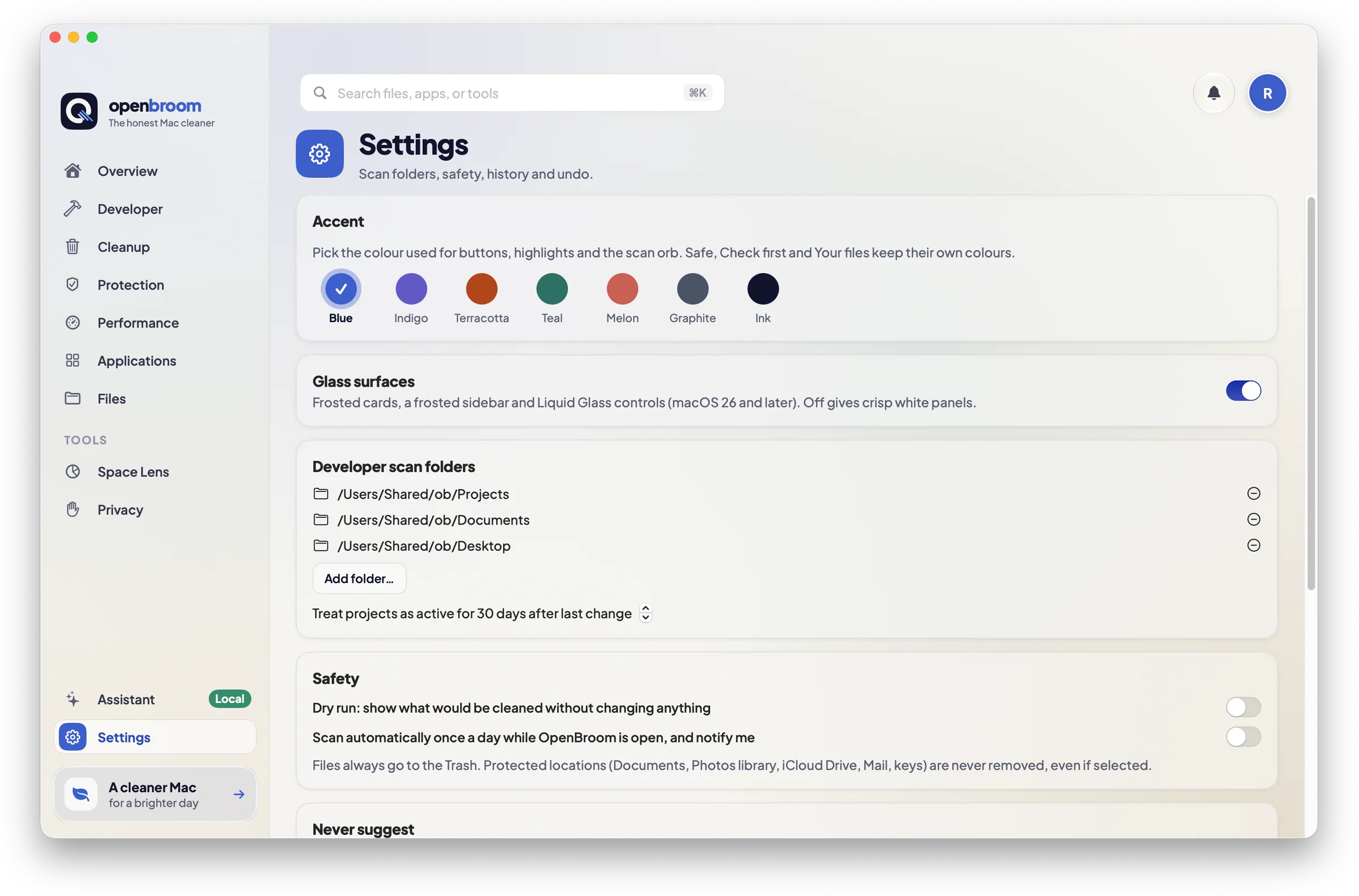
Your folders, your rules, your pace.
No price and no license key. Clone, build, open.
Can’t find yours? Open an issue and ask. It is an open-source project, so the answer ends up here.
Ask on GitHubIt is built to be careful: scans never delete, files go to the Trash, protected locations are refused in code, projects with uncommitted changes are skipped, and only Safe items are preselected. The code is open and has tests on fixture folders, so you can read exactly what it does.
Only what you select and confirm. Typical items are node_modules, build output, package caches, Xcode DerivedData and simulators, unused Docker data, old installers and app leftovers.
Only for Mail data, Safari data and the app-permission audit, which macOS protects. Everything else works without it, and you can say no.
There is no Apple Developer ID signing yet. The build is ad-hoc signed, so the first launch needs right-click, then Open. Notarization is on the list before any public release.
It frees disk space and shows login items and heavy processes. It does not promise a faster Mac, and it does not offer memory cleaning.
Nothing. It is MIT licensed. If it saves you a day, a star on GitHub is a lovely thank you.
Rokibul Hasan, as an open-source project. Issues and pull requests are welcome.